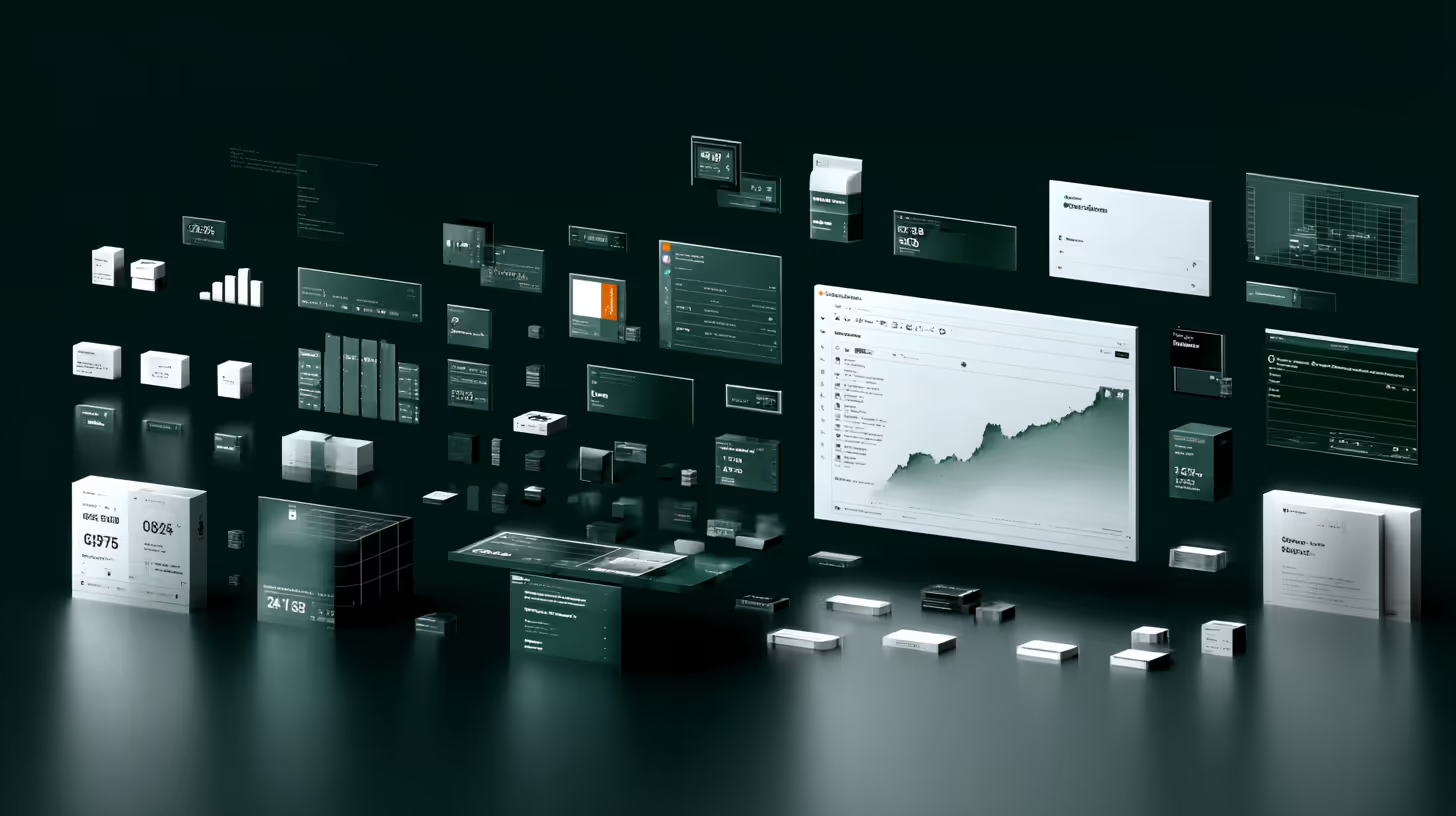
Room Mapping: The Process Explained

5 minutes
03.08.2026

TL;DR

  • Room mapping turns messy, inconsistent supplier room data into one accurate, comparable room type per property. It runs in six steps: aggregate, standardize, Blueprint, match, score, integrate.
  • Gimmonix's Blueprint infrastructure gives every property its own template of real room types, so supplier rooms map to the right category, in 12 languages, across 30+ attributes.
  • Primary and secondary mappings let you choose your own accuracy-versus-coverage balance, and the process is source-agnostic, so a brand-new supplier needs no reconfiguration.

Room mapping is the process of matching the same room type across suppliers that all describe it differently. This is how it works, step by step, from raw supplier feeds to one accurate room your customers can book with confidence.

The six-step room mapping process

Step 1: Data aggregation

Mapping starts by pulling room data from every supplier: descriptions, amenities, photos, bed configurations, board basis, and rates. The same room is often described in dozens of ways, so this raw pool cannot be compared until it is cleaned.

Step 2: Standardization and normalization

Algorithms parse each description and normalize it into a uniform set of attributes, across multiple languages. "Seaside king room" and "King, ocean view" become the same structured record, ready to match.

Step 3: The Blueprint

Gimmonix builds a Blueprint for each property: a dynamic, per-property template of the real room types that hotel actually offers, with original hotel room names, rich content, and support for 12 languages. Because the Blueprint reflects the property's true inventory, every supplier room can be placed in the right category rather than forced into a generic one.

Step 4: Intelligent matching

An AI matching model compares each normalized room against the Blueprint across 30+ attributes, including bed configuration, size, view, amenities, location, special features, and board basis, to identify rooms that are the same despite different names. At scale, this means extracting meaning from tens of millions of room descriptions and running on the order of a billion room mappings every 30 days.

Step 5: Primary and secondary mappings

Each match carries a confidence level. Primary mappings are high-confidence: the same room with near-certainty. Secondary mappings align on most attributes but not all. You choose how to use them: primary only for maximum accuracy, or primary plus secondary for broader selection, so accuracy versus coverage is your call, not ours.

Step 6: Real-time integration

Mapped rooms flow into your booking systems through the API in real time, refreshing as supplier data changes. The process is source-agnostic: it can map a room from any supplier without prior knowledge of that source, so adding a new supplier needs no reconfiguration.

Here is the same process as inputs and outputs.

The room mapping process — step, input, output
StepInputOutput
1. Data aggregationRaw supplier feeds: names, amenities, photos, ratesOne pooled set of room data per property
2. StandardizationInconsistent descriptions in many languagesParsed, normalized attributes in a uniform format
3. BlueprintNormalized rooms + the property's real room listA per-property template of every real room type
4. Intelligent matchingNormalized rooms vs the Blueprint (30+ attributes)Each supplier room matched to the right room type
5. Primary & secondaryMatched rooms with confidence scoresHigh-confidence (primary) and lower-confidence (secondary) mappings you can filter
6. Real-time integrationMapped rooms via APIConsistent room data live in your booking system

Why the process matters

  • Accurate comparison: customers compare like-for-like rooms and book with confidence.
  • Fewer check-in surprises: the booked room matches the description, cutting complaints and refunds.
  • Foundation for pricing: once rooms are matched, rate comparison and dynamic pricing become reliable.
  • Scale without overhead: source-agnostic mapping lets you add suppliers without rebuilding anything.

Key takeaways

  • Room mapping runs in six steps: aggregate, standardize, Blueprint, match, score, integrate.
  • The Blueprint is a per-property template of real room types, in 12 languages, matched across 30+ attributes.
  • Primary and secondary mappings let you set your own accuracy-versus-coverage balance.
  • The process is source-agnostic and real-time, so new suppliers need no reconfiguration.

FAQ

How does room mapping work, step by step?

Room mapping runs in six steps: aggregate room data from every supplier, standardize and normalize it into uniform attributes, build a per-property Blueprint of the real room types, match each supplier room against that Blueprint with AI across 30+ attributes, score each match as primary or secondary, and integrate the mapped rooms into your booking system in real time.

What is a room mapping Blueprint?

A Blueprint is a dynamic, per-property template of the real room types a hotel actually offers, with the original hotel room names, rich content, and support for 12 languages. Because it reflects the property's true inventory, every supplier room is placed in the right category instead of a generic one.

What is the difference between primary and secondary mappings?

Every match carries a confidence level. Primary mappings are high-confidence: the same room with near-certainty. Secondary mappings align on most attributes but not all. You decide how to use them, primary only for maximum accuracy, or primary plus secondary for broader selection, so you set your own accuracy-versus-coverage balance.

Can room mapping handle a supplier it has never seen before?

Yes. The process is source-agnostic: it can map a room from any supplier without prior knowledge of that source or where the content comes from. Adding a new supplier needs no reconfiguration of your mapping infrastructure.

Close-up of textured white frosted glass with an abstract pattern.Close-up of a white pigeon imprint on a textured white surface.White square with a subtle diamond pattern and a faint diamond shape in the center on a light background.Rounded square icon with a white flame symbol on a textured white background.Close-up of a white textured powder against a plain background.White square textured surface with subtle patterns and rounded corners.Dark green square with rounded corners featuring the brand name GIMMONIX in the center.

Become a Leader in Travel Tech with Gimmonix

Have questions or want to partner? Fill out the form, and our team will get back to you promptly.

By submitting, you agree to the Privacy Policy.
Thank You!
Your message has been sent. Our team will get back to you shortly.
Oops! Something went wrong while submitting the form.